
Get Snipfern
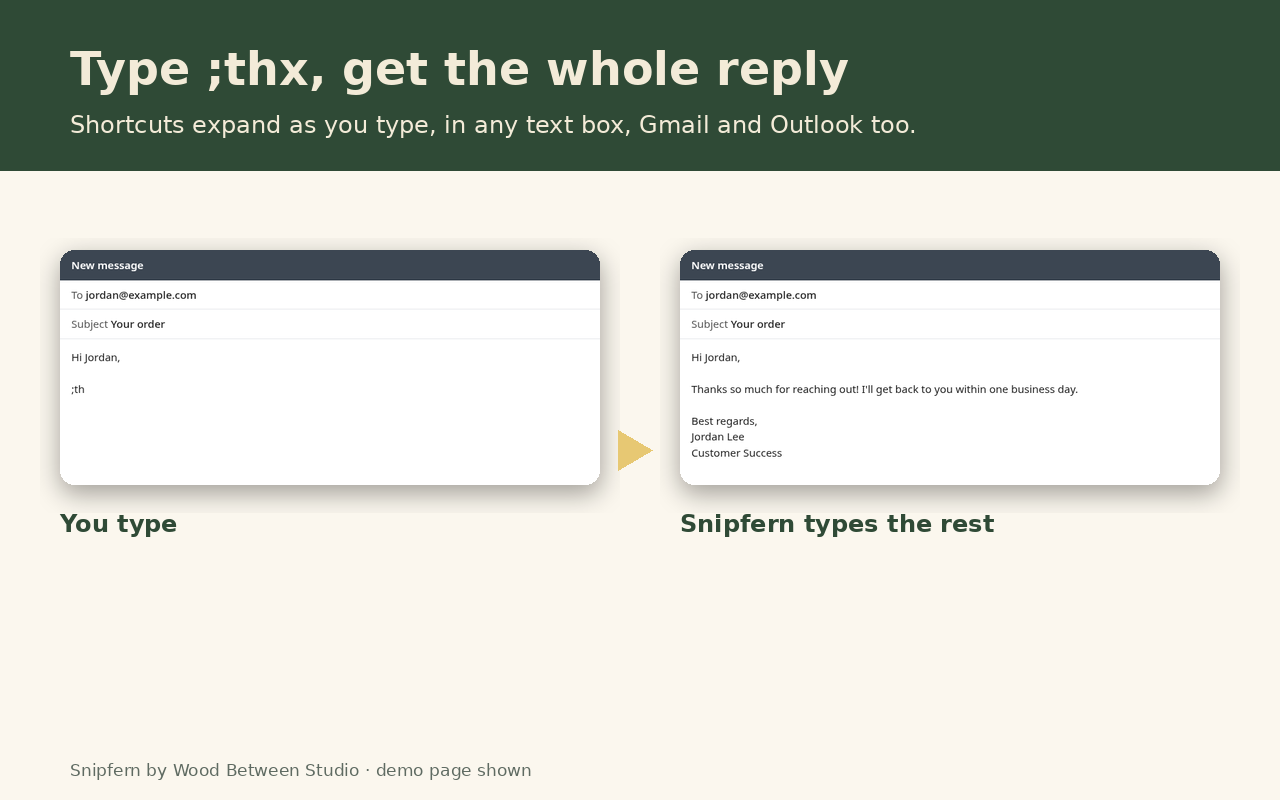
What it does
Free, with no caps
- Unlimited snippets (no 20-snippet limit, no daily limits)
- Shortcuts expand as you type in text boxes, text areas and rich editors, including Gmail and Outlook on the web
- Search popup:
Ctrl+Shift+Space, Enter to insert, or Copy - Import and export as JSON or CSV, also from other expanders
- Undo with Ctrl+Z if a shortcut fires by mistake
Pro · $9 one-time
- Fill-in fields and dropdowns:
{field:Name},{choice:Plan=Basic|Pro} - Variables:
{date}in any format, with offsets like{date+7d}, plus{time},{clipboard}and{cursor} - Rich text snippets: bold, italics, links and lists
- Per-site rules: snippets for chosen sites only, and sites where Snipfern stays quiet
- Pay once. No subscription, nothing to cancel
Where it works (honestly)
| Place | Typed shortcuts | Popup |
|---|---|---|
| Normal text boxes and text areas (forms, CRMs, help desks, chat) | Yes | Insert or Copy |
| Gmail, Outlook on the web and other rich editors | Yes (rich text with Pro) | Insert or Copy |
| Editors that manage their own text (for example Draft.js or Slate-based apps) | Usually: Snipfern hands the text over as a paste | Insert or Copy |
| Google Docs, Sheets and Slides | No: Docs draws text its own way | Copy, then Ctrl+V |
| Browser pages (edge://), the add-ons store, the PDF viewer | No: extensions aren't allowed there | Copy |
| Password fields | Never, on purpose | No |
Private by design
Snipfern only runs on the sites you turn it on for, one at a time or all at once. It looks at the few characters right before your cursor to spot a shortcut, on your device, and never sends what you type anywhere. Your snippets live in your browser's extension storage. The extension has no account, no server, no ads and no analytics. Its only connection is to Gumroad's license check, when you choose to unlock Pro. Read the privacy policy.
Questions
How is this different from Text Blaze or Magical? Snipfern keeps everything on your device with no account, and Pro is a one-time $9 instead of a monthly plan. It doesn't have team sharing or cloud sync.
Can I move my snippets from another expander? Yes: import a CSV with shortcut,text columns, or a JSON export that uses fields like abbreviation and phrase.
Does it sync between computers? No. Use Export and Import to copy your snippets to another computer.