How to Turn a Google Sheet into JSON Without OAuth
A Google Sheet is often the most honest database a small project has: a price list, a directory, a content calendar. You shouldn't need a Google Cloud project and an OAuth consent screen just to read it from a website or a script.
Make the sheet readable
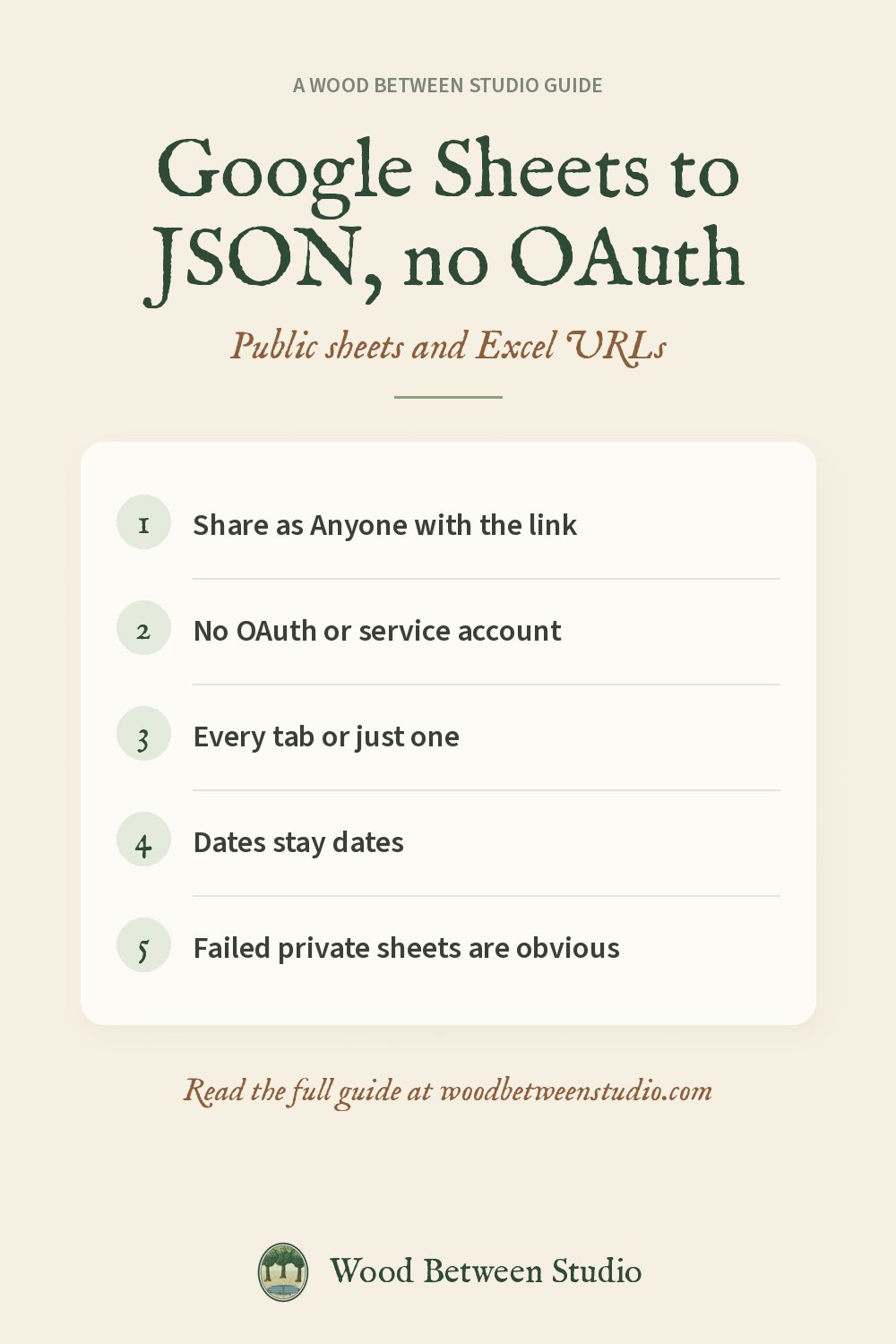
In Google Sheets: Share → General access → Anyone with the link (Viewer), or File → Share → Publish to web. That's it. If the sheet is private, a reader that doesn't log in shouldn't see it.
What you get back
You want one JSON object per row, with header names as keys, numbers still numbers, and dates as ISO strings. Each tab can also be a CSV file if a spreadsheet is the destination.
A reader that doesn't ask you to log in
Most "Google Sheets" tools fail at the login step. We got tired of that and published Google Sheets to JSON on Apify. It reads public Sheets, Excel, ODS and CSV URLs. No Google account, no OAuth, no API key. A private sheet returns a plain-English error instead of a stack trace, and you aren't charged for it. $0.10 per 1,000 rows.
```python import os from apify_client import ApifyClient
client = ApifyClient(os.environ["APIFY_TOKEN"]) run = client.actor("wood-between-studio/google-sheets-reader").call(run_input={ "spreadsheetUrls": ["https://docs.google.com/spreadsheets/d/YOUR_SHEET_ID/edit"], "normalizeHeaders": True, }) rows = client.dataset(run["defaultDatasetId"]).list_items().items ```
Docs: Google Sheets Reader.
Make room for what matters: share the sheet, read the rows, skip the consent screen.