How to Convert a PDF to Markdown for RAG and AI Agents
If you want a language model to answer questions about a report, a paper or a policy, you need the text out of the PDF first. A raw copy-paste or a naive text extract usually breaks headings and lists, which makes embeddings worse and answers vaguer.
Markdown is a good target: models already understand # headings and lists, and it's easy to chunk.
What "clean" means
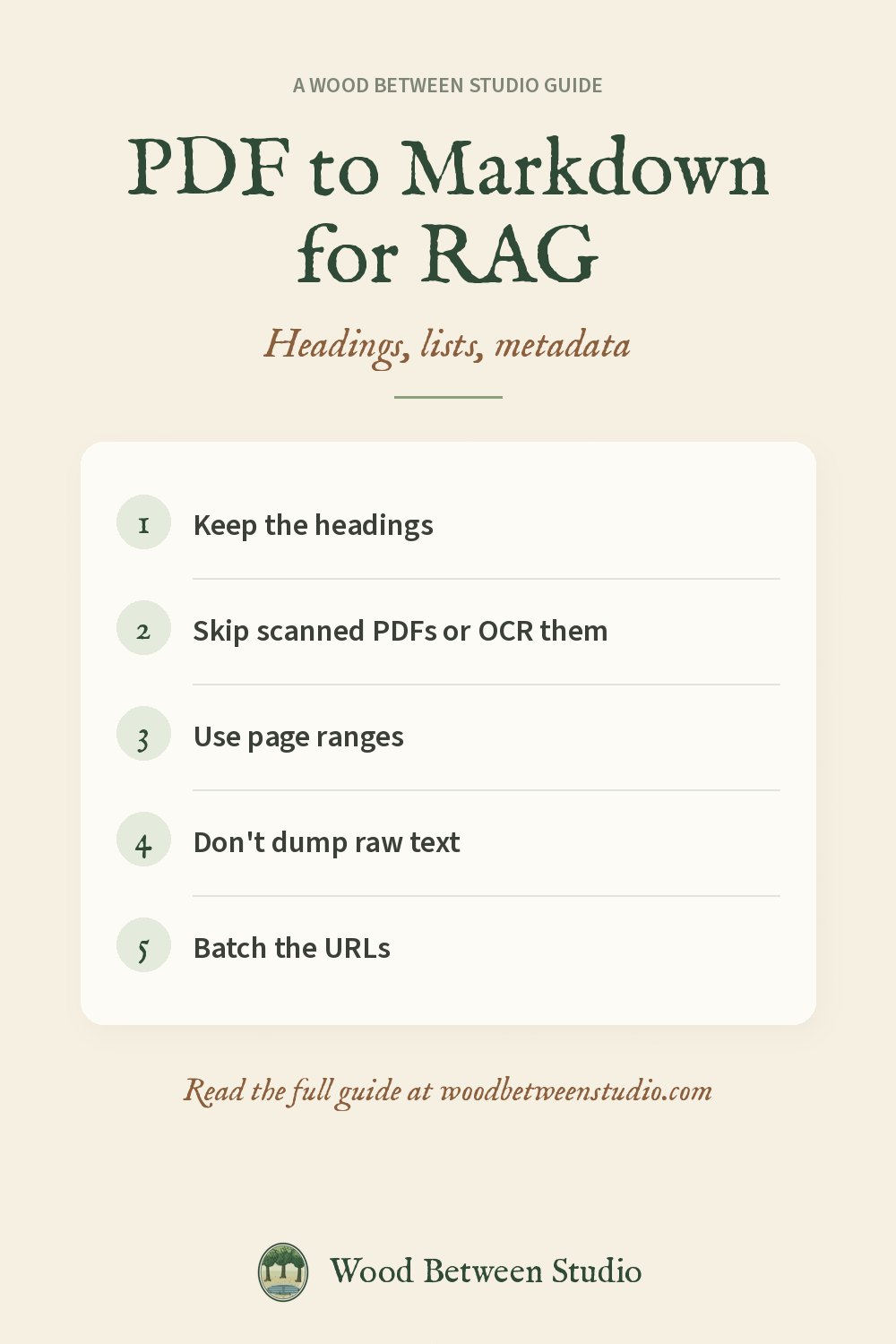
- Headings should come out as headings, not as a slightly larger line of body text.
- Broken lines inside a paragraph should be joined.
- Lists should still be lists.
- Page numbers and running headers can usually go.
- Metadata (title, author, date) should travel with the document.
- If the PDF is a scan with no text layer, the extract will be empty — flag it for OCR instead of pretending it worked.
Page ranges save money and context
You rarely need all 400 pages of a manual. Extract 1-8 or 12-20 and send only that to the model.
A tool we use for this
We published a PDF to Markdown Actor on Apify that takes a list of PDF URLs and returns Markdown, plain text, metadata and optional per-page text. Password-protected PDFs work. Scanned files are flagged with likelyScanned: true rather than billed as if they had text. It costs $2 per 1,000 PDFs; failed downloads are free.
```python import os from apify_client import ApifyClient
client = ApifyClient(os.environ["APIFY_TOKEN"]) run = client.actor("wood-between-studio/pdf-to-markdown").call(run_input={ "urls": ["https://arxiv.org/pdf/1706.03762"], "pageRange": "1-5", "includePerPageText": True, }) items = client.dataset(run["defaultDatasetId"]).list_items().items ```
Docs: PDF to Markdown. Apify's free monthly credit covers a lot of small runs.
Make room for what matters: extract the pages you need, then ask the question.