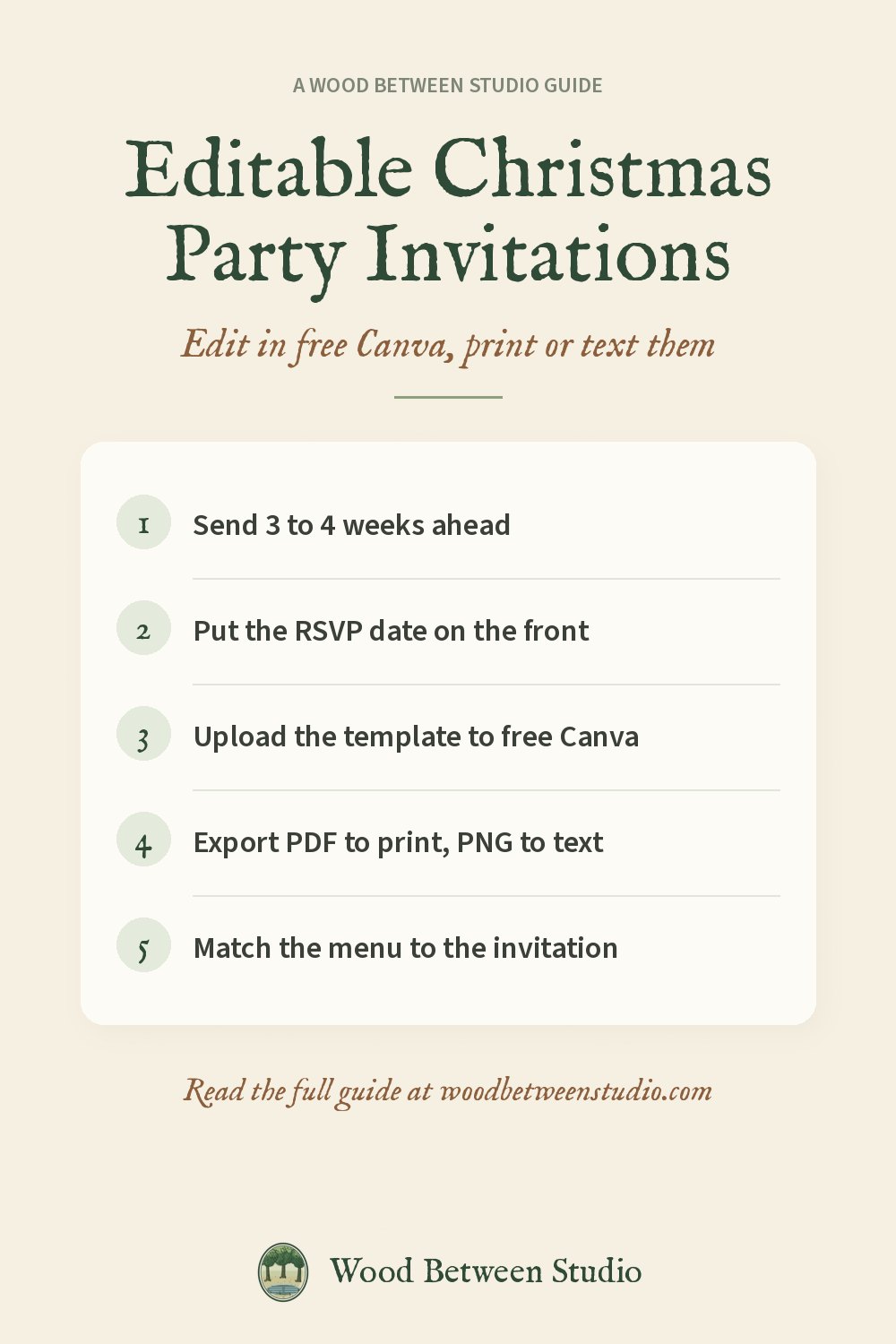
Editable Christmas Party Invitation Templates You Can Edit in Free Canva
A good invitation does more than give an address. It sets the tone of the party before anyone arrives: a candlelit dinner, a loud Friendsmas with a gift swap, or a cozy New Year's Eve at home. An editable template gets you a well-designed invitation in about fifteen minutes, without paying for a design subscription.
This guide covers how editable invitation templates work in a free Canva account, PowerPoint and Google Slides, what to include, wording you can copy, and how to send or print the result.
How editable invitation templates work
An editable template is a finished design where every word is a real text box. You change the words, and sometimes the colors, and keep the layout. There are three common formats:
- Canva template links. You click a link and Canva opens a copy. Easy, but some templates use Pro-only elements.
- PowerPoint (.pptx) files. These open in PowerPoint, and they can also be uploaded to a free Canva account or opened in Google Slides. This is the most flexible format, because it works in all three apps and nothing is locked to one account.
- Editable PDFs. You type into fixed fields. Quick, but you can't move anything.
Editing a .pptx template in free Canva
- Sign in to Canva (a free account is fine).
- On the home page, click Upload and choose the .pptx file.
- Canva imports it as a normal editable design. Click any text to change it.
- If a font looks different, check the template's how-to notes for the font names. Good templates use free fonts that Canva already has.
- Click Share > Download and choose PDF Print for printing, or PNG for texting and email.
In Google Slides
Upload the .pptx to Google Drive, then open it with Google Slides. Edit the text, then use File > Download as PDF or PNG.
In PowerPoint
Open the file, edit, and use File > Export or Save As PDF. To get an image, save the slide as PNG.
What to put on a Christmas party invitation
Keep the front clean and put the essentials where people can find them at a glance:
- What it is: "Christmas Dinner", "Friendsmas", "Holiday Open House", "New Year's Eve".
- Who's hosting. First names are enough.
- Date and time, with an end time if it matters (an open house from 2 to 5, say).
- Address, or "address to follow" for a large group.
- RSVP by a date, and how to reply: a text, an email, a phone number.
- Anything guests need to know: a dress code, a gift swap price limit, "bring a dish to share", kids welcome or not, parking.
Leave out long paragraphs. If there's a lot to say, add a second card or a follow-up text with the details.
Wording examples you can copy
Christmas dinner: "Join us for Christmas dinner. Saturday, December 19, at 6 o'clock. Candles, good food and better company. Kindly reply by December 12."
Friendsmas: "It's Friendsmas! Dinner, games and a gift swap ($20 limit). Bring your best ugly sweater. Friday, December 11, 7 pm. Text us by December 5."
Holiday open house: "Stop by for a holiday open house. Sunday, December 13, 2 to 5 pm. Come and go as you please. Children welcome."
New Year's Eve: "Ring in 2027 with us. Thursday, December 31, from 8 pm. Cocktails, nibbles and a toast at midnight. Please reply by December 23."
Office or team party: "You're invited to the team holiday lunch. Wednesday, December 16, 12:30 pm. Optional gift swap, $15 limit. RSVP to (name) by December 9."
When to send it
- Christmas parties: three to four weeks ahead. December weekends fill up quickly, so for a Saturday party in mid-December, early to mid-November isn't too early.
- Save the date: six to eight weeks ahead for a big New Year's Eve party or a party with guests traveling in.
- Send a reminder two or three days before, with the address again.
Sizes, paper and printing
- 5 x 7 inches is the standard invitation size and fits an A7 envelope.
- Print on card stock, 80 to 110 lb, with matte or eggshell finish for a classic look.
- Two invitations fit on US Letter. Print them side by side and trim, or use 5 x 7 card stock directly if your printer has a manual feed.
- Print shops will print a PDF on heavy card for very little and trim it for you.
Texting or emailing an invitation
Most invitations are sent digitally now, and that's fine. Export a PNG at full size and text it, or attach it to an email. For a group, a PNG in a group text gets more replies than a link to a sign-up page. Add the RSVP date in the message as well as on the image, so it's searchable later.
Match the rest of the table
A matching menu, place cards or thank-you card makes a party look planned without much extra work. Use the same template style: change "Christmas Dinner" to "Menu", list the courses, and print it at the same size. After the party, a matching thank-you card is a lovely touch.
Our editable holiday templates
The Holiday Hosting Suite is a set of ten 5 x 7 designs in a vintage botanical style: a Christmas dinner invitation and menu, a holiday gathering invitation and party food menu, a Friendsmas invitation, a New Year's Eve invitation and cocktail menu (midnight and gold), a New Year's Day brunch menu, a save the date and a thank-you card. It's an editable .pptx with a how-to PDF, and it works in a free Canva account, PowerPoint or Google Slides, with free fonts only. It's $9 on Payhip or Gumroad.
Once guests are coming, plan what to do with them: our Christmas party games for adults guide has a full running order, and our Friendsmas & Holiday Party Games pack has 24 printable games. For birthdays the rest of the year, see our Birthday Party Suite.
Quick answers
Can I edit invitation templates in Canva for free? Yes. Upload a .pptx template to a free Canva account and it opens as an editable design. You only need Pro for Pro-only elements, which a good template avoids.
What size is a Christmas party invitation? 5 x 7 inches is standard. It fits an A7 envelope, and two fit on a US Letter sheet.
How far ahead should I send holiday party invitations? Three to four weeks, or six to eight weeks for a save the date.
What should I write on a holiday party invitation? The type of party, the host, the date and time, the address, an RSVP date, and anything guests must know, such as a gift swap limit or dress code.