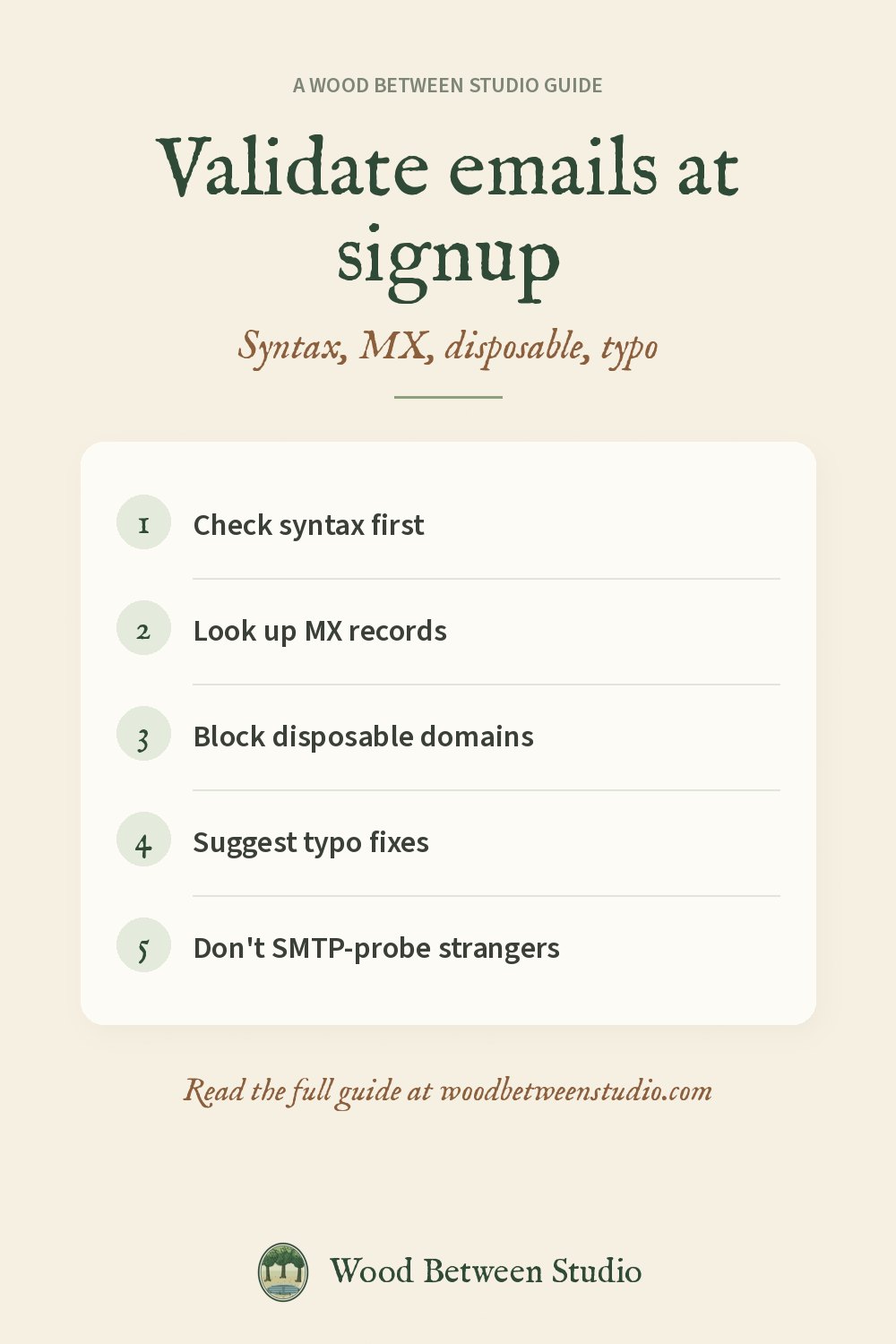
How to Validate Email Addresses at Signup (Without Sending a Message)
A bad email at signup costs you twice: a message that bounces, and a list you can no longer trust. The good news is you can catch most of the bad ones in one check, without sending mail to someone who didn't ask for it.
Below is a simple order that works for a signup form, a newsletter, or a bulk import.
1. Check the syntax
Reject strings that aren't an email at all: missing @, spaces, or a domain with no dot. This is instant and catches typos like jane@@gmail.com.
2. Look up the domain's mail servers
An MX record tells the internet where that domain's mail should go. If the domain has no MX (and no A record that could receive mail), the address will bounce. This is the single most useful check after syntax.
You can look MX records up with dig MX gmail.com on your computer, or with a DNS lookup API.
3. Block disposable and role addresses when you need a real person
Temporary-email domains (Mailinator and the like) and role accounts (info@, admin@) are fine for some tools and wrong for others, such as a paid trial or a newsletter you want someone to actually read. Keep a list of disposable domains and update it; new ones appear every week.
4. Suggest typo fixes
gmial.com and yaho.com are real-looking and usually have no MX. Offer "Did you mean gmail.com?" rather than a hard error when you can.
5. Don't SMTP-probe a stranger
Some validators open a mail session and ask the server if the mailbox exists. Many servers lie, some will rate-limit you, and it can look like reconnaissance. Syntax, MX, disposable and typo checks are enough for almost every signup form.
Doing it in one call
We run this check on our own forms and published it as MailGuard on RapidAPI. One request returns syntax, live MX, a match against 10,000+ disposable domains, a typo suggestion and a 0–100 score. It does not send mail and it does not store the address.
bash
curl --request GET \
  --url 'https://mailguard-email-validator.p.rapidapi.com/validate?email=jane@gmial.com' \
  --header 'X-RapidAPI-Key: YOUR_KEY' \
  --header 'X-RapidAPI-Host: mailguard-email-validator.p.rapidapi.com'
There's a free monthly allowance. Docs, JavaScript and Python examples: MailGuard documentation.
Once signups are clean, the next leak to close is phone numbers (if you collect them). See how to validate and format phone numbers. Make room for what matters: reject the bad ones early.