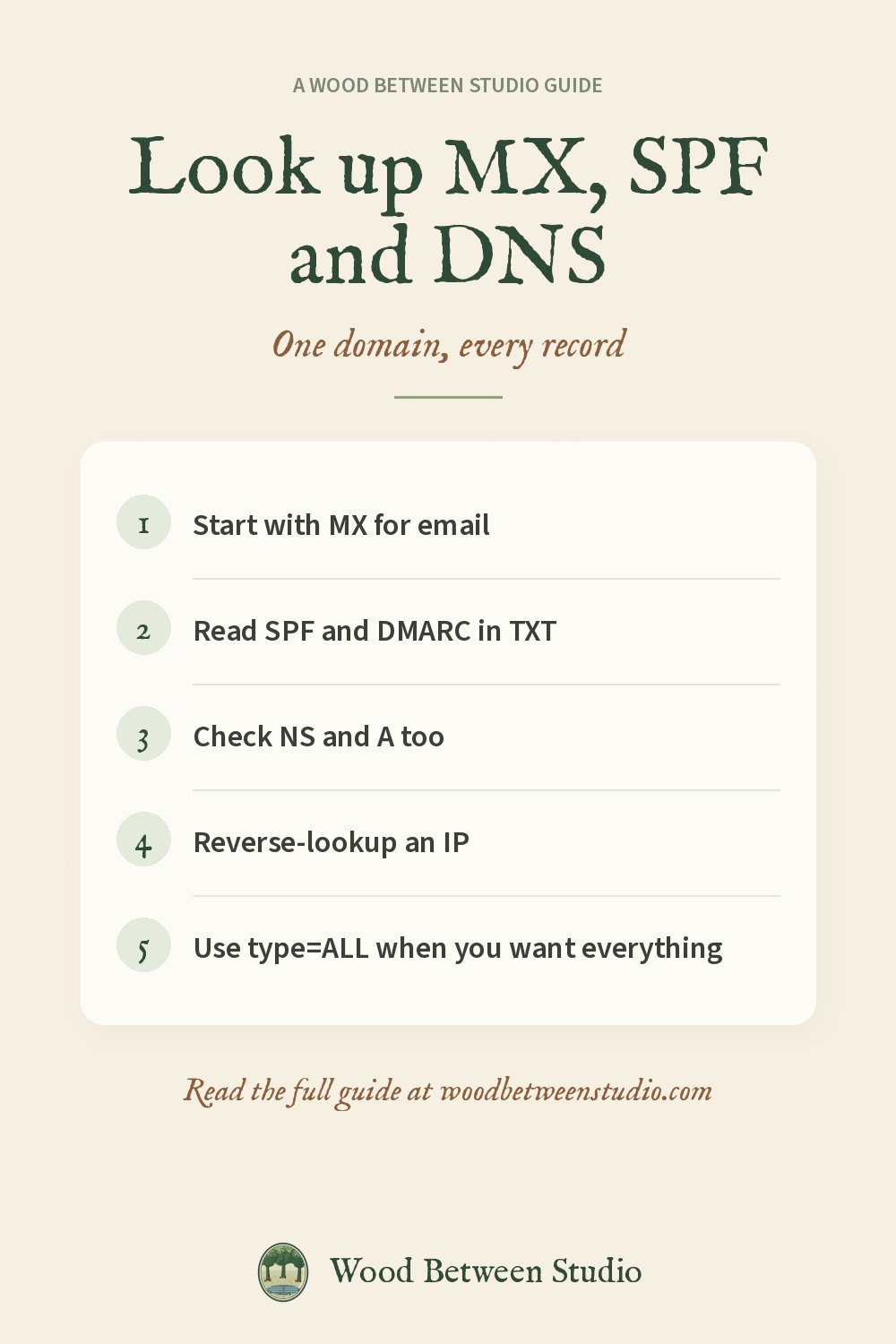
How to Look Up MX Records, SPF and DNS for Any Domain
When email doesn't arrive, or you want to know how a domain is set up, you look at its DNS records. You don't need a control panel for this: the records are public. Here's what to look at and how.
MX: where mail should go
An MX record names the mail servers for a domain and a priority. Lower numbers are tried first. If you see gmail-smtp-in.l.google.com, the domain's mail is handled by Google. If there is no MX and no A record, mail to that domain will bounce.
TXT: SPF, DKIM and DMARC
TXT records hold policy. The useful ones for email are:
- SPF starts with
v=spf1and lists who is allowed to send mail as that domain. - DMARC lives at
_dmarc.example.comand starts withv=DMARC1. - DKIM is usually at a selector such as
default._domainkey.example.com.
If those are missing, inboxes are more likely to treat the mail as junk.
A, AAAA and NS
A and AAAA point the domain at IPv4 and IPv6 addresses. NS names the DNS provider. CNAME is an alias. CAA says which certificate authorities may issue HTTPS certificates for the domain.
On your computer
bash
dig MX gmail.com +short
dig TXT example.com +short
dig NS example.com +short
On Windows, nslookup -type=MX gmail.com does the same job.
In an app or a script
If you need this from a signup form, a dashboard or a bulk list, a DNS lookup API returns JSON you can store. We built ZonePeek for this, and it is being listed on RapidAPI: A, AAAA, MX, TXT, NS, CNAME, SOA, SRV, CAA and reverse DNS (PTR). Pass type=ALL to get the common records in one call.
bash
curl --request GET \
  --url 'https://zonepeek-dns-lookup.p.rapidapi.com/lookup?name=gmail.com&type=MX' \
  --header 'X-RapidAPI-Key: YOUR_KEY' \
  --header 'X-RapidAPI-Host: zonepeek-dns-lookup.p.rapidapi.com'
Docs and more examples: ZonePeek documentation. There's a free monthly allowance.
To use MX records as part of signup validation, see how to validate email addresses at signup. Make room for what matters: read the records, then move on.