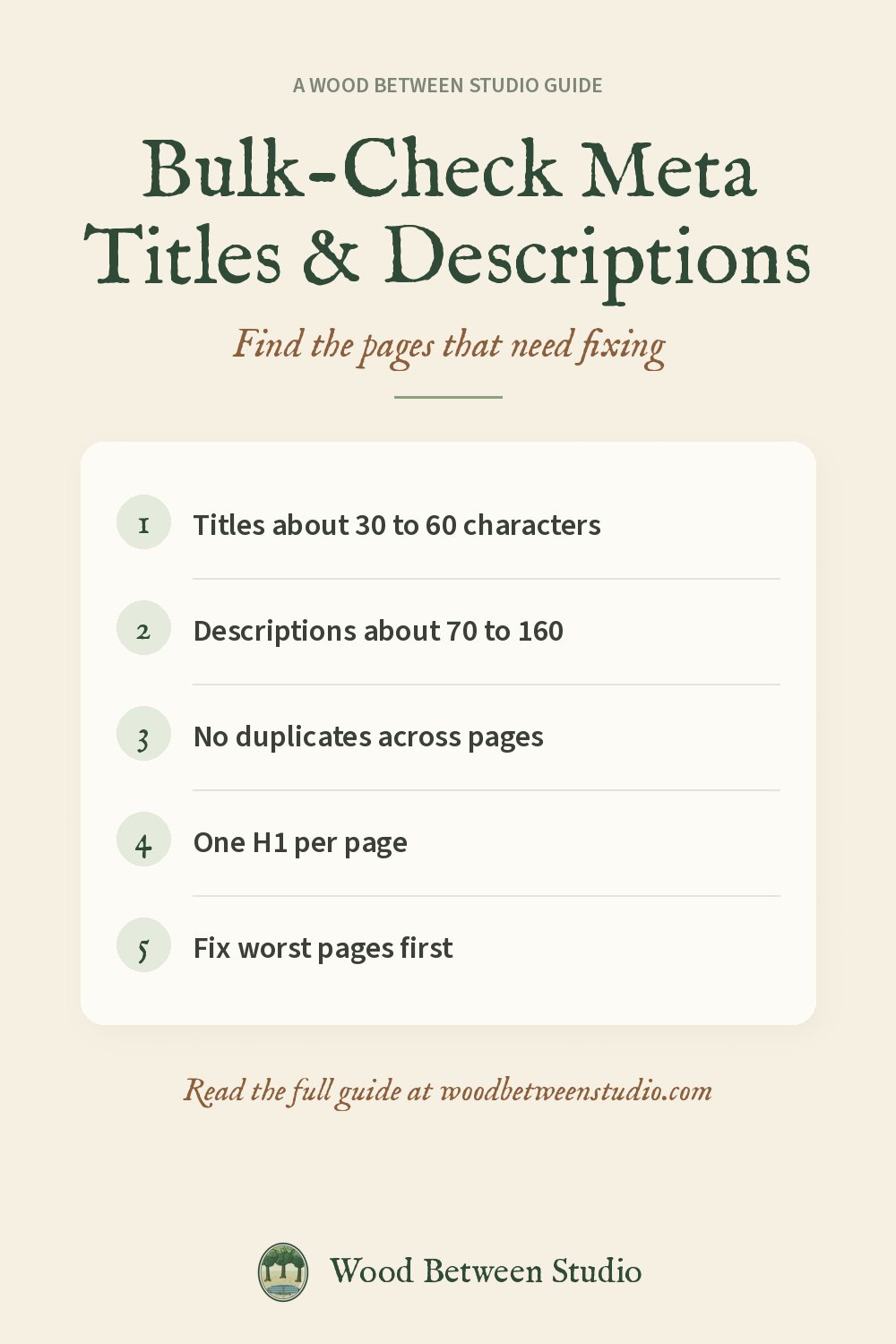
How to Bulk-Check Meta Titles and Descriptions on Every Page
Your page title and meta description are what people see in Google before they decide to click. A title that is cut off, a description copied onto twenty pages, or a page with no description at all quietly lowers clicks, even if the page ranks.
Checking one page is easy: view the source and read the <title> and <meta name="description"> tags. Checking every page is where it gets tedious. Here's how to do it in bulk, what to look for and what to fix first.
What good looks like
| Element | Aim for | Common problem |
|---|---|---|
| Title | about 30 to 60 characters, main keyword near the start | too long, so Google cuts it off |
| Meta description | about 70 to 160 characters, a reason to click | missing, so Google picks random text |
| Uniqueness | every page different | the same title or description on many pages |
| H1 | exactly one, matching the page's topic | none, or several |
| Canonical | points to the page itself (or its main version) | points to another page by mistake |
| Open Graph image | set, with a full https URL | missing, so shares look blank |
Character counts are a guide, not a rule. Google cuts by pixel width, so a title of wide letters gets cut sooner. Aim for the range and put the important words first.
Way 1: Google Search Console
Search Console > Performance shows which pages get impressions but few clicks. Those are the pages where a better title and description pay off most. It doesn't list the titles themselves, so you still need to check each page.
Way 2: A spreadsheet with an import formula
Google Sheets can pull a page's title with =IMPORTXML(A2,"//title") and its description with =IMPORTXML(A2,"//meta[@name='description']/@content"). Put your URLs in column A, add a length column with =LEN(B2), and sort. It works for a few dozen pages but gets slow and flaky past that, and some sites block it.
Tip: get the URL list from your sitemap. See how to export a sitemap to CSV.
Way 3: A bulk audit tool
For a whole site, a crawler that reads every page and checks the tags for you is faster. We use and publish one: the SEO Meta Tag Audit on Apify.
Give it your homepage, your sitemap or a list of pages. For each page you get:
- the title and description with their lengths, and duplicates flagged across pages;
- canonical, meta robots and
noindexchecks; - H1 count, Open Graph and Twitter tags, hreflang, viewport and language;
- whether the JSON-LD structured data parses, and how many images lack alt text;
- a 0 to 100 score with plain-English issues, so you can sort worst first;
- a one-page HTML report you can send to a client.
It costs $4 per 1,000 pages ($0.004 a page), and Apify's free monthly credit covers a small site many times. There's no browser and no AI, just HTTP requests and clear rules, so it's quick.
When we audited the ten main pages of our own shop site, the most common issue was exactly the one this guide is about: nine of the ten pages had a title or description too long for Google to show in full (one title was 99 characters). A few also lacked structured data. Scores ranged from 89 to 99, and it took about three seconds.
What to fix first
noindexon a page you want found. This one blocks the page from Google completely. Fix it right away.- Missing titles and descriptions on important pages (home, top products, top posts).
- Duplicates. Write a unique title and description for each page. For product pages, put the product name first.
- Too-long titles. Move the brand name to the end, or drop it, and keep the key phrase in the first 50 characters.
- Too-long descriptions. Lead with the benefit and finish the key sentence before about 155 characters.
- Wrong canonicals and multiple H1s. These are usually theme or template problems, so one fix often clears many pages.
Writing a better title and description
- Title: main phrase + what makes this page different + (optional) brand. For example: "Printable Thanksgiving Games for Adults and Kids | Studio Name".
- Description: one sentence on what the page gives, one on why it's worth the click. Write for a person, not for a keyword count.
Re-run the audit after your changes, and again whenever you add a batch of pages. Make room for what matters: fix the worst pages first and leave the 95-scorers alone.
While you're at it, check for dead links too: how to find broken links on your website for free.