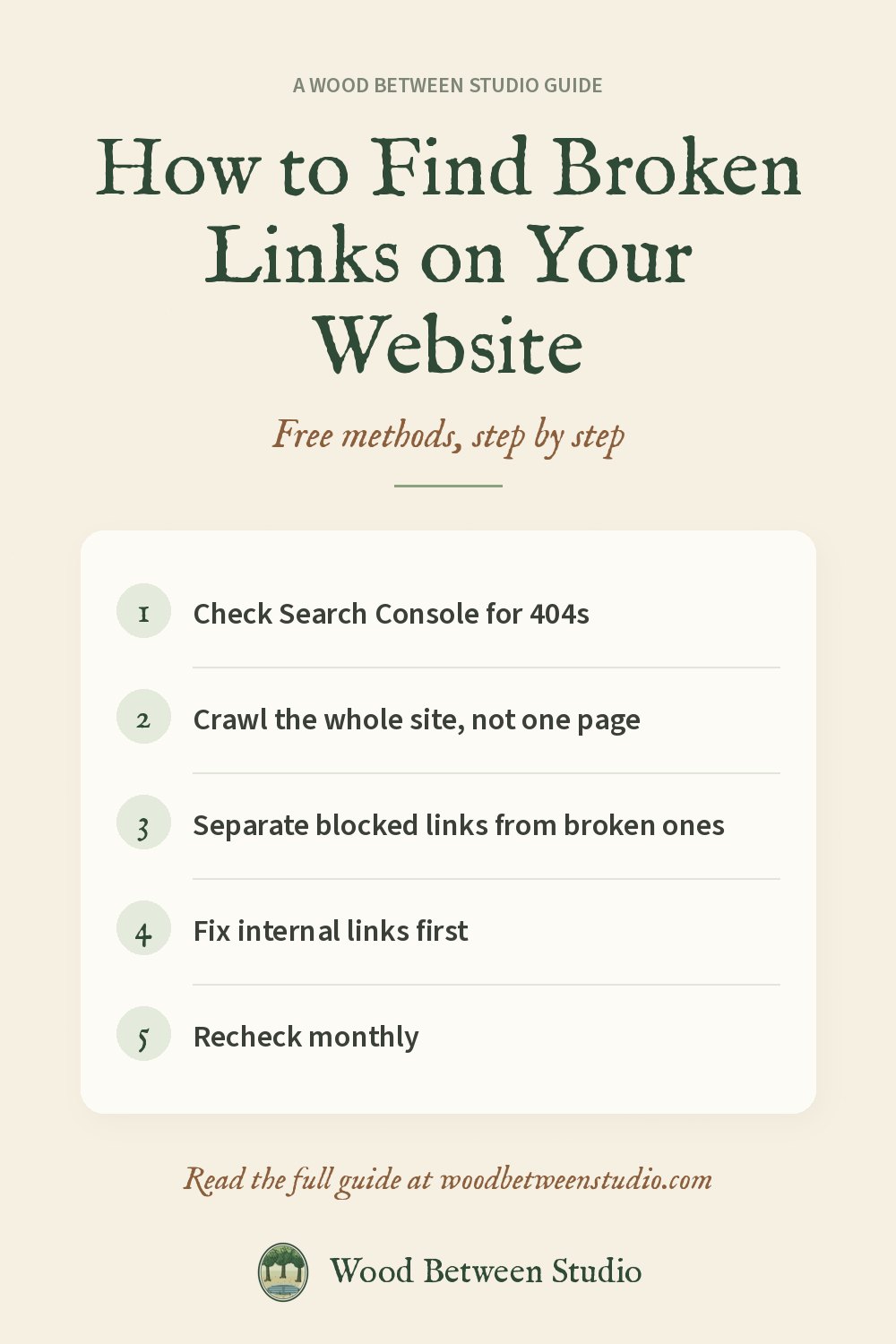
How to Find Broken Links on Your Website for Free (and Fix Them)
A broken link is a small thing that costs you twice. A visitor clicks, lands on a "page not found" error and leaves. And a search engine that keeps hitting dead pages wastes its crawl on them instead of on the pages you want ranked. Most small sites have a few, usually from a renamed page, a deleted product or an outside site that moved.
The good news is that finding them is quick and can be free. Below are four ways to do it, from the simplest to the most thorough, then how to fix each kind of broken link.
What counts as a broken link
- 404 or 410: the page doesn't exist. The most common kind.
- 5xx errors: the server failed. Sometimes temporary, so check twice before you remove the link.
- Dead domains: the whole site the link points to is gone. The domain doesn't resolve any more.
- Redirect chains: not broken, but a link that bounces through two or three redirects is slow and leaks a little ranking value. Point it straight at the final URL.
- Missing images: an image tag whose file is gone. Visitors see an empty box.
One thing that is not broken: a link to a big site such as LinkedIn or Etsy that answers an automated check with 403 or 999. Those sites block bots, not people. Check them by hand in a browser rather than deleting them.
Method 1: Google Search Console (free, internal 404s only)
If your site is verified in Google Search Console, open Indexing > Pages and look for "Not found (404)". Click it to see the URLs Google tried and couldn't reach. Use the inspect tool to see which page links to each one.
- Good for: pages Google already knows about.
- Limits: it only reports what Google crawled, it can lag by weeks, and it doesn't check links to other sites at all.
Method 2: A browser extension (free, one page at a time)
Link-checker extensions for Chrome and Firefox highlight every broken link on the page you have open. That's fine for checking one long page, such as a resources list, before you publish it.
- Good for: a single page, right now.
- Limits: you have to open every page yourself, so it doesn't scale past a handful.
Method 3: A desktop crawler (free up to a limit)
Desktop SEO crawlers can crawl a whole site and list every response code. The free tiers usually stop at a few hundred URLs and need installing on a computer.
- Good for: a one-off audit of a small site on your own computer.
- Limits: a URL cap on the free tier, and it runs on your machine, so you can't schedule it easily.
Method 4: A cloud crawler you can schedule
If you want a full report without installing anything, or you want it to run every week by itself, use a cloud crawler. We built one for our own shop site and published it: the Broken Link Checker on Apify.
You paste your homepage and it opens each page, collects every link and image, checks them all and lists the problems with the page each one is on and the link text. A few details that save time:
- Blocked is kept apart from broken. Links that refuse bots (403, 429, 999) are labelled
blocked, so the real 404s aren't buried. - Every unique link is checked once, even if it's on fifty pages.
- Redirect chains are listed in full, with the final URL to update to.
- It can check a list instead of crawling, for example a URL list from your sitemap.
- It costs $0.80 per 1,000 links checked. Apify's free plan includes monthly credit, which covers a small site many times over. A typical 50-page site with about 300 unique links costs about $0.25.
When we ran it on our own 20-page shop site, it checked 200 links in about 16 seconds: 148 fine, 52 "blocked" (all of them links to our Payhip and Etsy shops, which refuse automated checks) and no real 404s. That's the result you want, and it's nice to know for sure.
How to fix each kind of broken link
- Internal 404s first. These are links between your own pages, so they're fully in your control. Update the link to the right page, or add a 301 redirect from the old URL to its replacement.
- Deleted products or posts: redirect to the closest live page (the category or a similar product), not to the homepage.
- External 404s: look for the new address of the page. If it's gone, link to a different source or remove the link.
- Dead domains: remove the link or replace it. Don't leave it hoping it comes back.
- Redirect chains: change the link to point straight at the final URL.
- Missing images: re-upload the file or remove the image tag.
How often to check
Once a month is plenty for most small sites, and after any redesign, migration or big batch of URL changes. Scheduling the check (Method 4) means you hear about a broken link before your visitors do.
Once the links are clean, the next quick win is your page titles and descriptions. See how to bulk-check meta titles and descriptions. Make room for what matters: let the checking run itself.