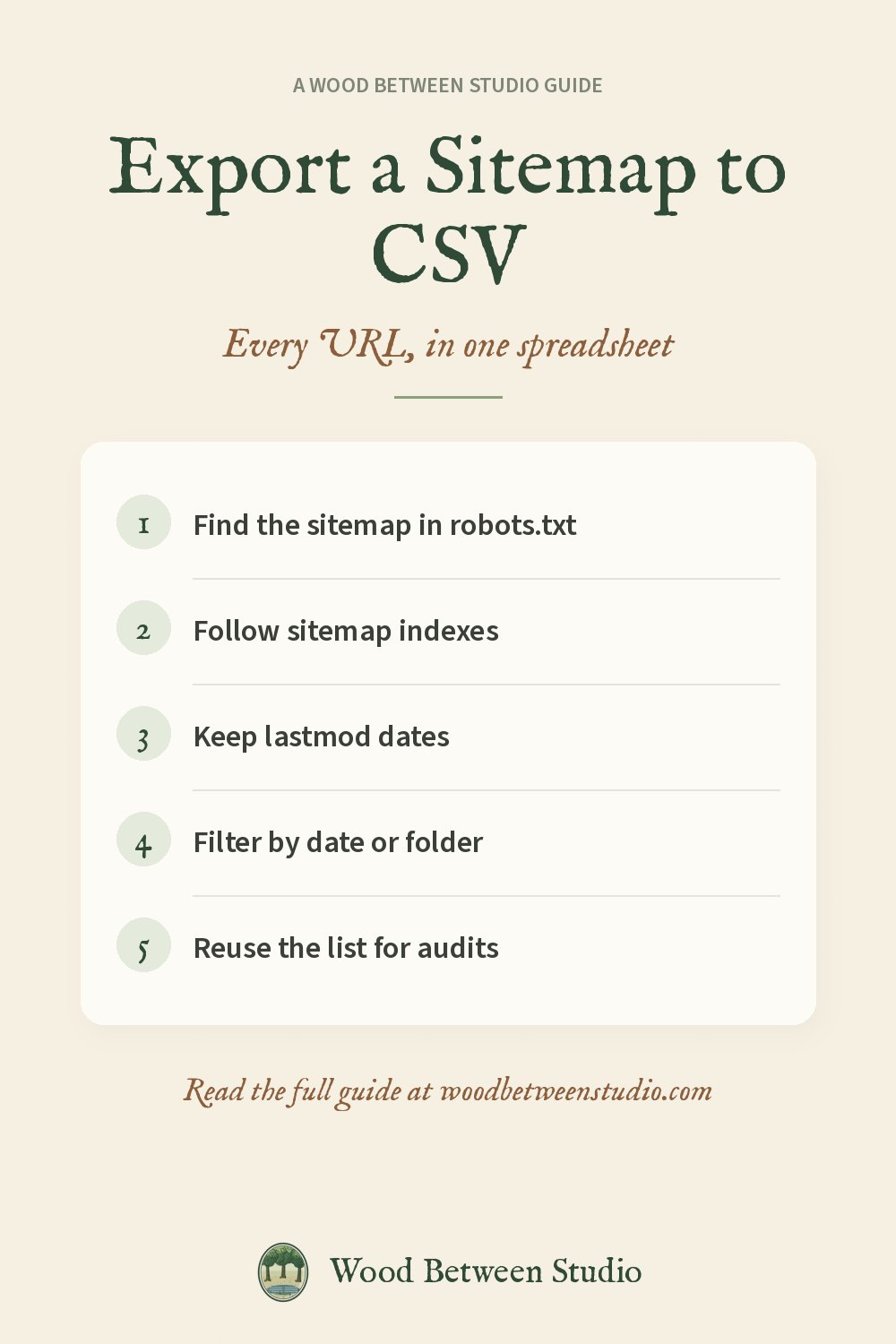
How to Export a Sitemap to CSV or Excel (Any Website)
A sitemap is a website's own list of the pages it wants search engines to find. Turned into a spreadsheet, it's one of the most useful lists you can have: a content inventory before a redesign, a check that nothing important is missing, a list of what a competitor published this month, or the input for a link check or an SEO audit.
Here's how to find a sitemap, and three ways to get it into CSV or Excel.
Step 1: Find the sitemap
Try these, in order:
- robots.txt. Open
https://example.com/robots.txt. Most sites list their sitemap on a line that starts withSitemap:. - The usual addresses.
/sitemap.xml,/sitemap_index.xml, and on WordPress/wp-sitemap.xml. - Search Console. On your own site, Indexing > Sitemaps shows what you submitted.
Large sites use a sitemap index: a sitemap whose entries are other sitemaps (posts, pages, products, images). You need to open each one to get every URL. Some are compressed as .xml.gz.
Way 1: Paste into a spreadsheet (small sitemaps)
In Google Sheets, =IMPORTXML("https://example.com/sitemap.xml","//*[local-name()='loc']") lists every URL in one sitemap. It's free and quick for a few hundred URLs. It doesn't follow sitemap indexes, it can't read .gz files, and it loses the lastmod date unless you add a second formula.
In Excel, Data > Get Data > From Web with the sitemap URL can load the XML into a table, again one sitemap at a time.
Way 2: A short script
If you're comfortable with Python, about fifteen lines with requests and xml.etree will fetch a sitemap, follow index entries and write a CSV. Remember to handle gzip, namespaces and redirects, and to be polite: one request at a time.
Way 3: An exporter that does it all
For any site, without code, we use and publish the Sitemap & RSS Feed Exporter on Apify. Paste a homepage and it:
- finds the sitemaps itself (robots.txt, the usual addresses) and the site's RSS or Atom feeds;
- follows sitemap indexes several levels deep and opens
.xml.gzfiles; - keeps
lastmod,changefreq,priority, image and hreflang entries; - puts sitemap URLs and feed items (title, date, author, link) into the same columns;
- lets you filter by URL pattern or "changed after" a date;
- can check each URL's HTTP status, to find sitemap entries that 404 or redirect;
- downloads as CSV, Excel, JSON or straight into Google Sheets.
It costs $0.50 per 1,000 URLs exported. Apify's free monthly credit covers tens of thousands of URLs. Pointed at our own homepage, it found the sitemap from robots.txt and exported all 50 URLs with dates in about six seconds.
What to do with the list
- Content audit: sort by
lastmodto find pages untouched for years. Update, merge or remove them. - Before a migration: keep the list so you can map every old URL to a new one with 301 redirects.
- Competitor watch: schedule the export weekly with "changed after" set to last week, and see what's new.
- Feed it to other checks: paste the URLs into a broken link check or a bulk meta title and description audit.
- Spot sitemap errors: URLs that redirect, 404 or are marked
noindexshouldn't be in a sitemap.
Make room for what matters: one export, one sorted spreadsheet, and you know exactly what your site contains.